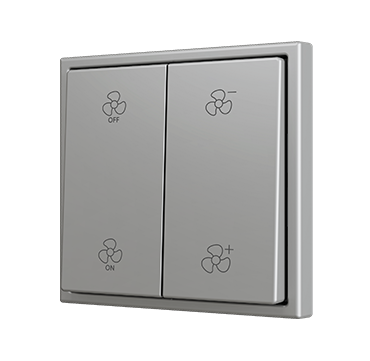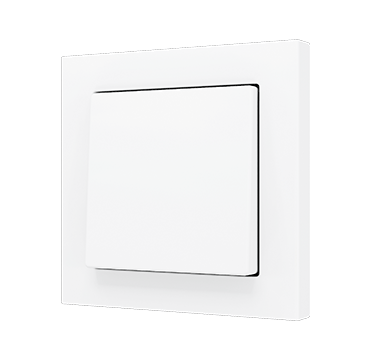
KNX single or double push button with bottom and top press, with conventional appearance and smooth pressing feel. Designed in 55 x 55 format for installing together with Zennio’s ZS55 frames and sockets. KNX Soft push buttons are available as single-button or double-button versions with activation on the bottom or on both the top and bottom, depending on the model. It incorporates an internal temperature probe and a thermostat as well as an analog input to be configured as temperature probe.
Thanks to the Soft push buttons, you’ll be able to integrate conventional appearance in a KNX installation, offering an outstanding haptic experience.
It is compatible with KNX Secure. Accessories: temperature probe.
Each KNX Soft push button 55×55 is made up of two references:
- KNX electronic module ⇒ Ref. ZS55SOFT
- Tilt cover ⇒ depending on the number of push areas and the selected design
Configuration options (number of push areas):
- x = 1 ⇒ 1 tilt cover
- y = 1 ⇒ Push area on bottom
- y = 2 ⇒ Push areas on top and bottom
- x = 2 ⇒ 2 tilt covers
- y = 2 ⇒ Push area on bottom of each cover
- y = 4 ⇒ Push areas on top and bottom of each cover
Available designs for tilt covers:
- ZS55CSOFTxyX ⇒ Plain design without icons
- ZS55CSOFT11LX ⇒ Light icon
- ZS55CSOFT11KX ⇒ Key icon
- ZS55CSOFT11DX ⇒ Doorbell icon
- ZS55CSOFTxySHX ⇒ Shutter icons (xy = 12, 22 or 24)
- ZS55CSOFTxyXC ⇒ Custom design with custom icons through Touch My Design tool
Frame not included.