
Discover our Families
Product Gallery
Product Catalogue
Customization
Our Solutions
Solutions Catalogue
Projects
Help
Applications
Discover our Families
Product Gallery
Product Catalogue
Customization
Our Solutions
Solutions Catalogue
Projects
Help
Applications
A complete product range for an integrated and fully customised solution
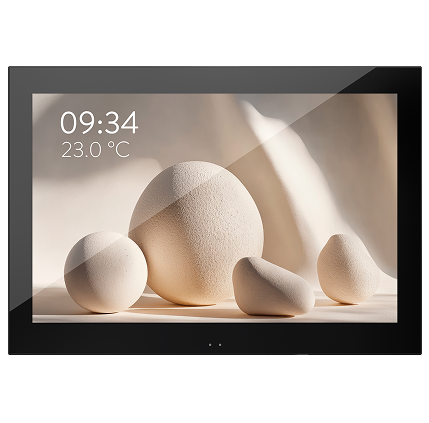
IP Touchscreens
Your entire installation at your fingertips, on an intuitive and customisable touchscreen
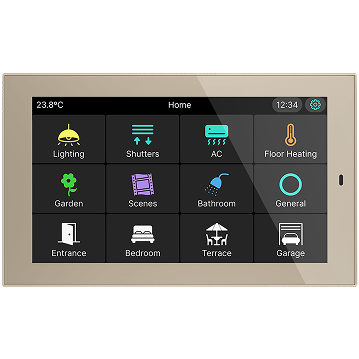
Controllers
The perfect balance between design and functionality
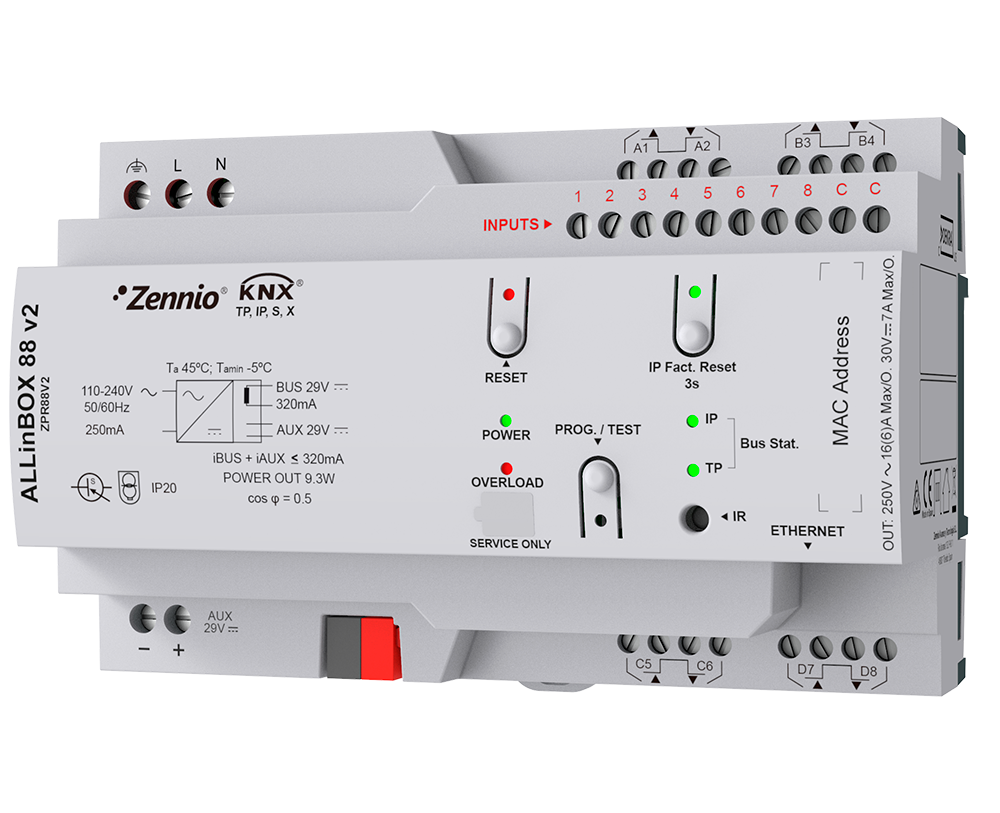
Backend Products
Where the magic happens to make everything work
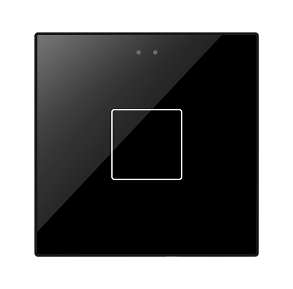
Capacitive touch switches
Elegance, customisation and technology in every touch
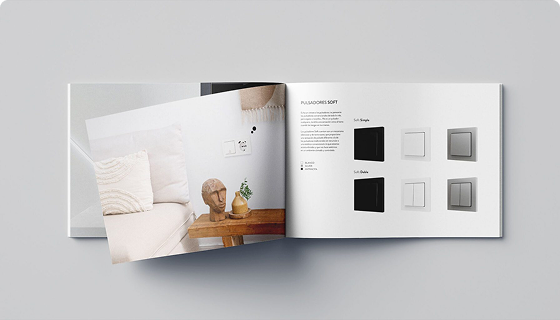
Soft push buttons
Mechanical keypads with a smooth, silent touch
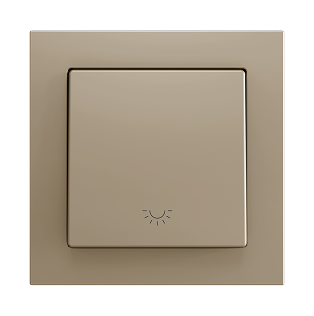
Electrical accessories
The perfect complement for seamless integration into your project
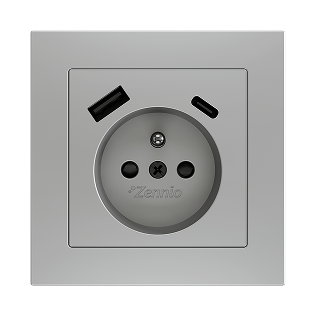
Access control
Security and convenience with card, Bluetooth or code access
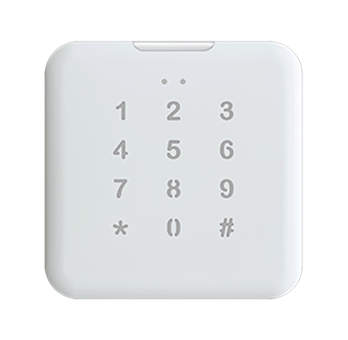
Sensors
Devices designed to automate your installation
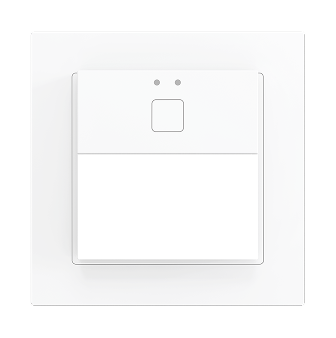
Your entire installation at your fingertips, on an intuitive and customisable touchscreen
The perfect balance between design and functionality
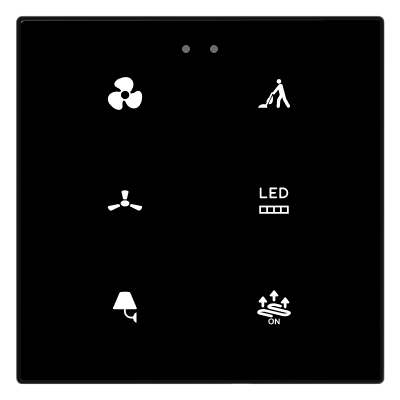
Elegance, customisation and technology in every touch
Mechanical keypads with a smooth, silent touch
With Touch My Design, customise your keypads without limits and integrate them seamlessly into your projects
Explore our solutions in detail and choose the one that best fits your project
Everything you need to know about our products and how they work
Load disconnection:
Size:
Both devices allow their channels to be connected in parallel to increase total power capacity. For more details, please refer to the device datasheet.
No, you do not need a license to view an IP camera from a Z50 / Z70 v2 / Z100 panel. You simply need to configure the IP settings of your panel and the IP camera following the instructions provided in section 2.1.15 of the User Manual.
To avoid having to redo the programming from scratch, you can use the free ETS app “Zennio Parameter Copier”, which helps in the process of updating Zennio product versions. You only need to select the same device with the two versions, and the copy is performed. After the copy, some windows open to indicate the differences that may exist between versions and should be reviewed in case they were not copied correctly.
Link to the app and the manual: https://www.zennio.com/documents/zennio_parameter_copier_ https://zennio.com/download/manual_Parameter_copier_es
Please note that from version 3.7 on Z50 / Z70 v2 / Z100, it is not necessary to update the application program and firmware, as the versions are compatible.
According to the KNX standard, this possibility depends on each manufacturer. Our KUPSupply even allows them to be connected together (with a distance of 0 meters between them). In fact, it is possible to connect them in parallel. However, there are certain restrictions for this configuration:
Commons from different devices must not be connected together. The reason is that each device generates its own reference voltage, so connecting different commons may cause abnormal behavior on those inputs and, in extreme cases, hardware damage due to the different voltage used by each device.
It is not necessary to bridge the commons within the same device, since they are internally bridged.
No, Internet access is required to control the installation, since the system works through a cloud service.
At www.zennio.com cookies are used, its own and third-party cookies, for personalization to improve the quality of the product or service offered; analytics to measure the audience and analyze the users' behaviour; and behavioural advertising to offer personalized advertising based on the users' browsing patterns (for example, pages visited). You could find more information in our Cookies Policy. You can accept all the cookies by clicking on the "Accept Cookies" button or reject them by clicking on the "Reject Cookies" button. You can also manage these cookies and, therefore, accept or reject them individually or entirely from the Settings Panel.


